Upload an Image
Drag & drop or click to upload
Professional AI Photo Editor: From Basic Edits to Commercial Generation
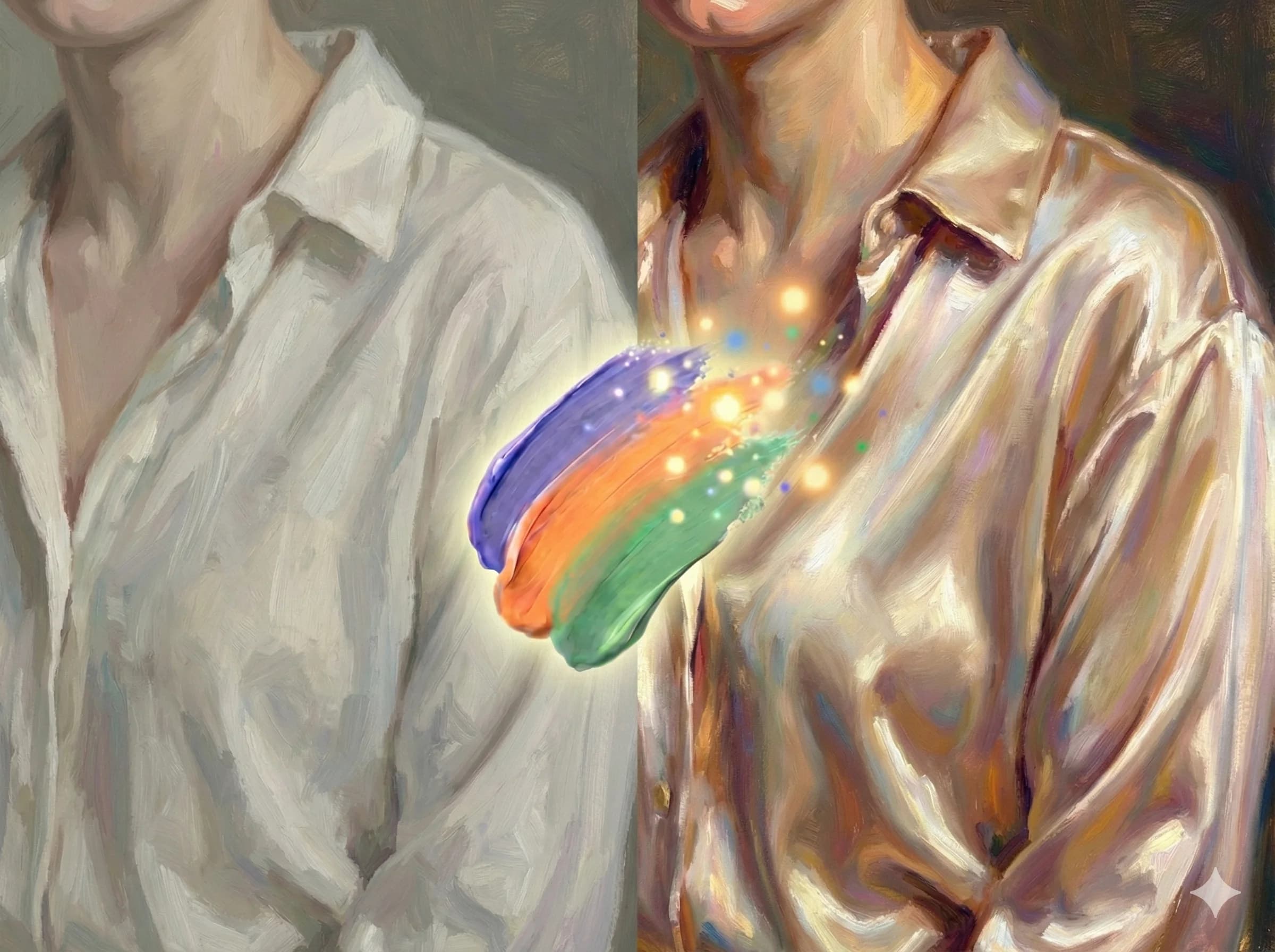
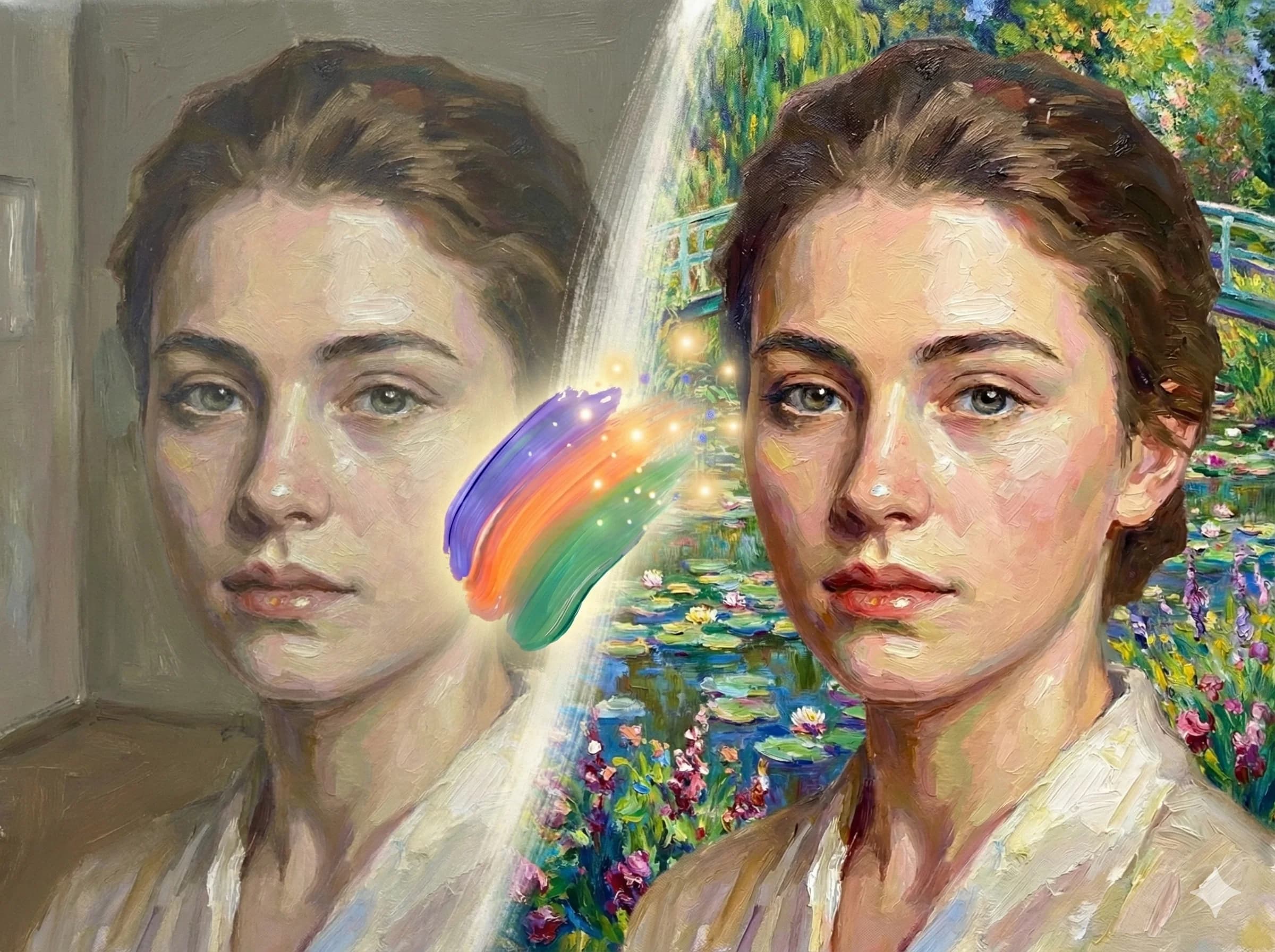
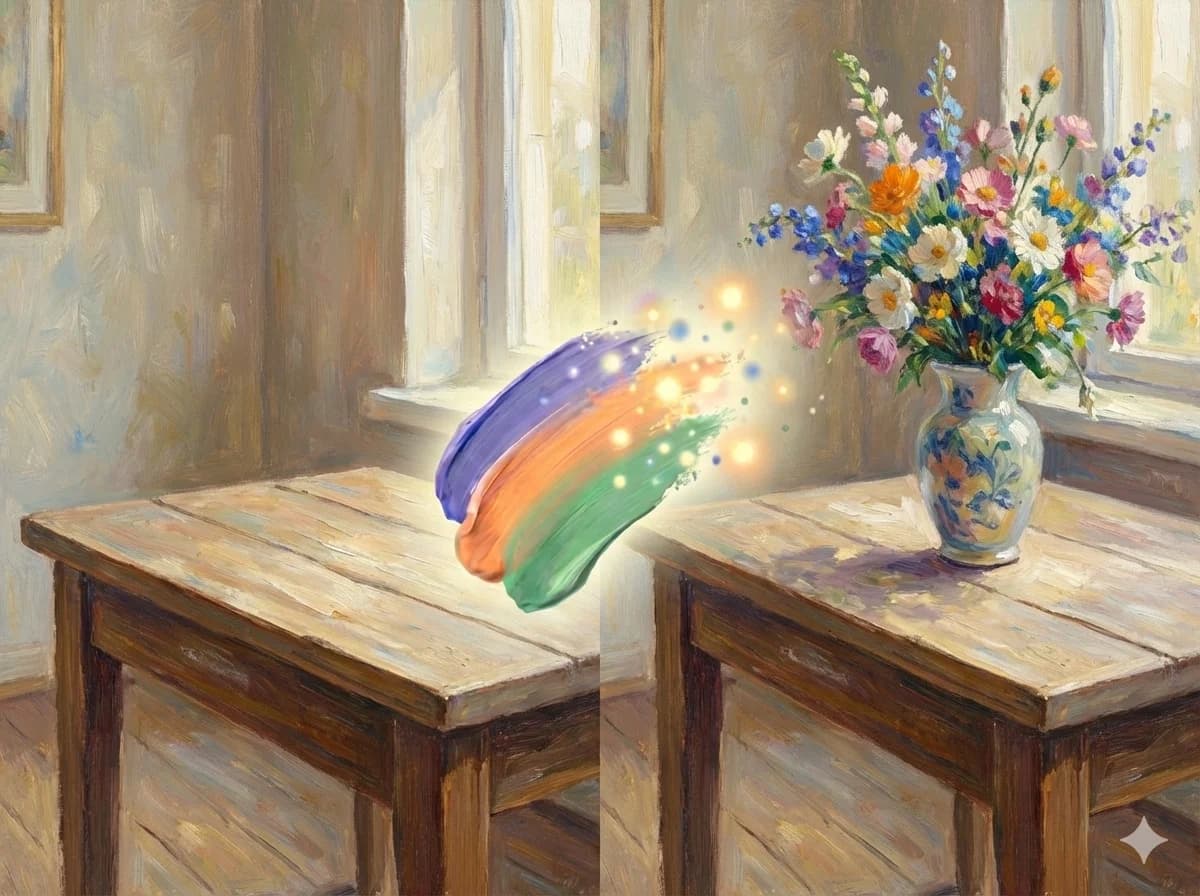
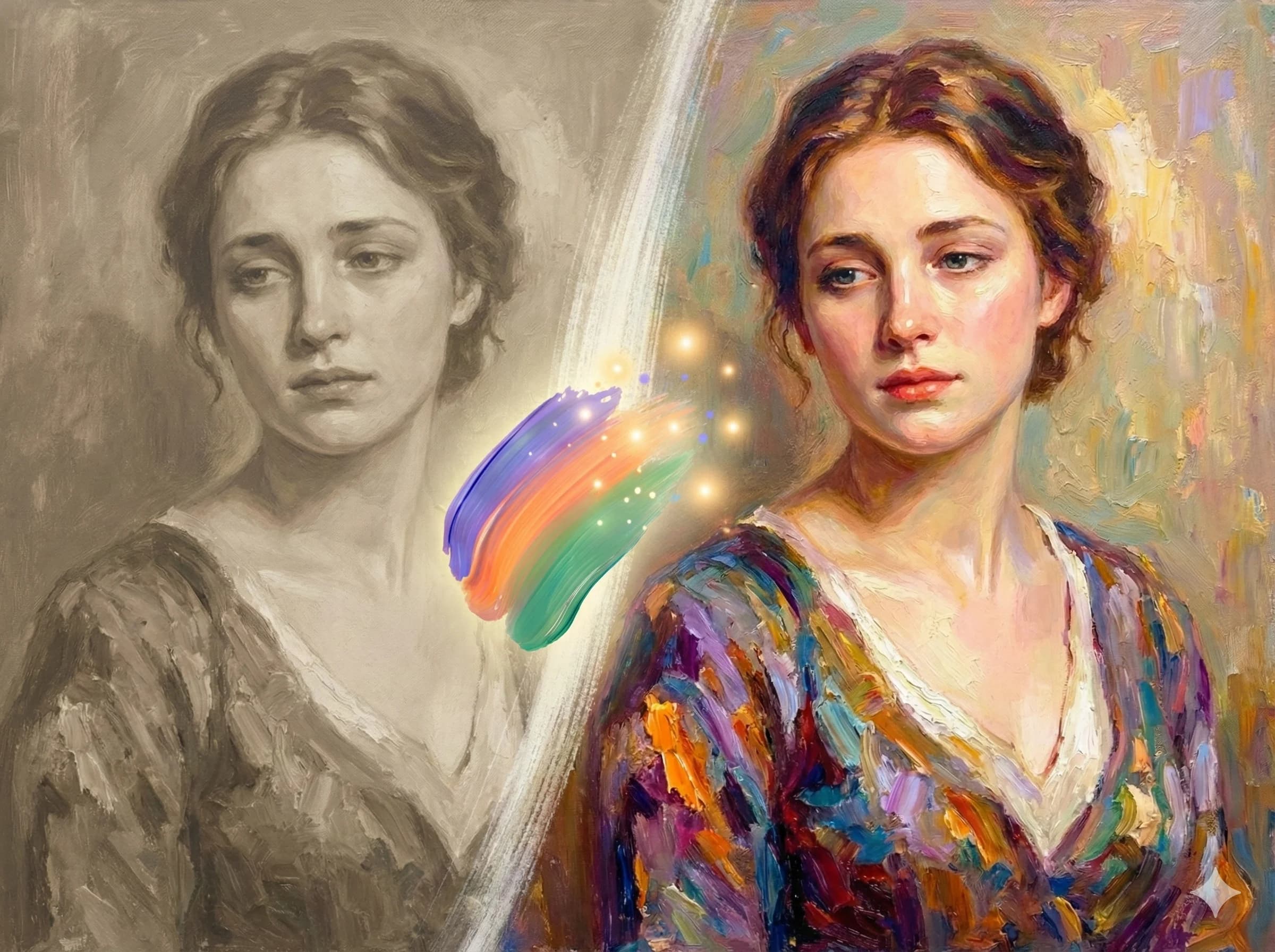
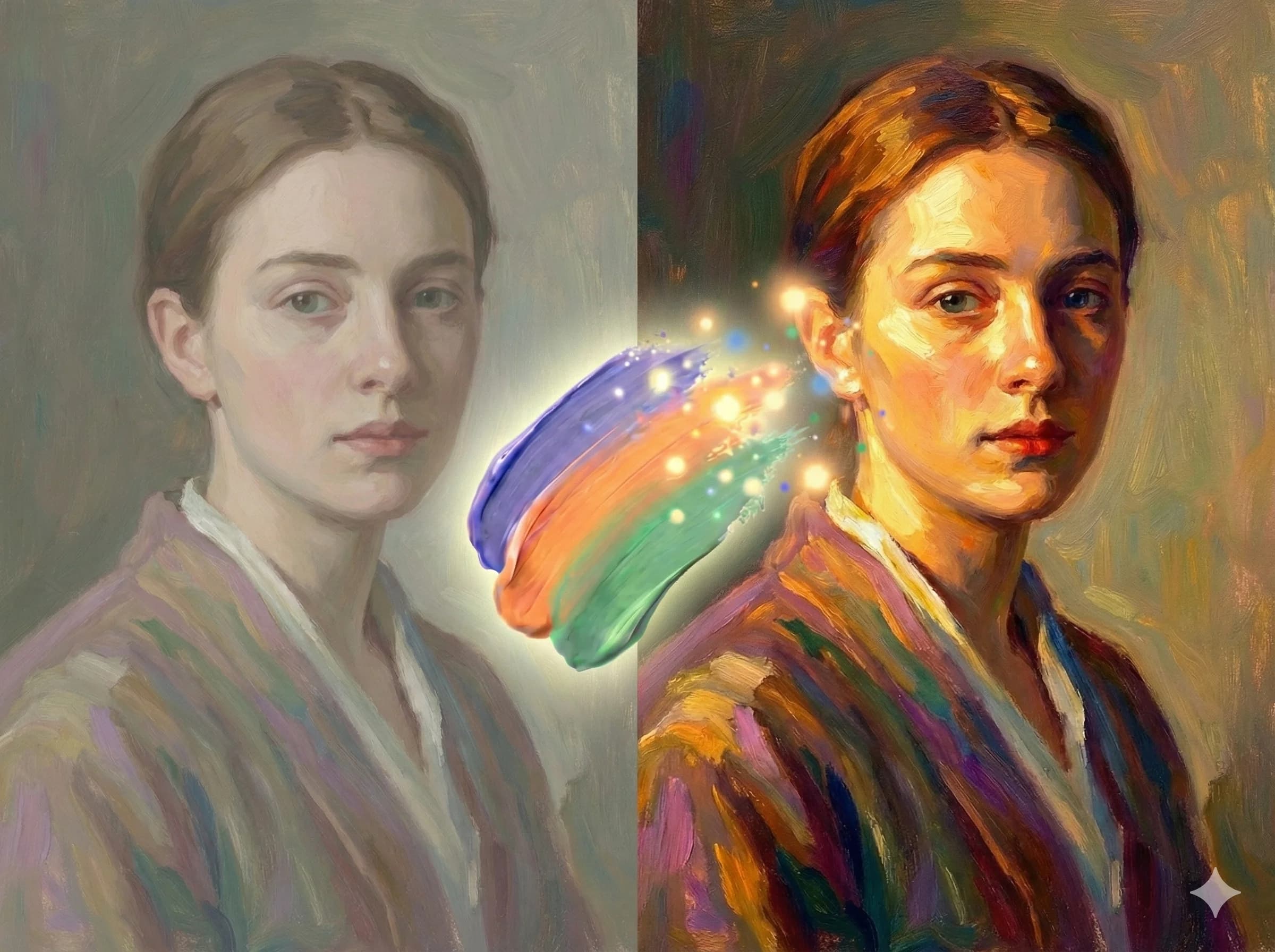
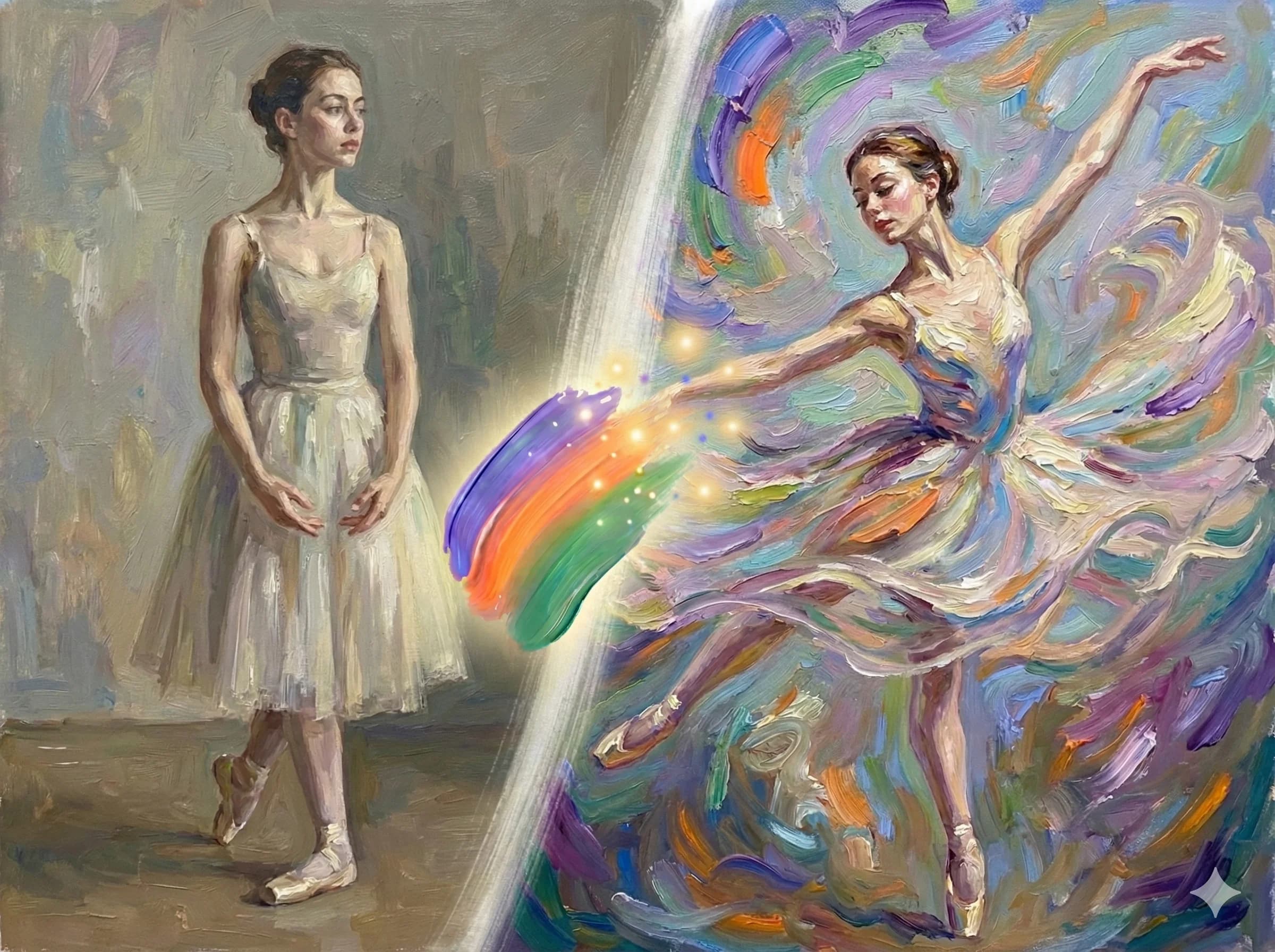
How TapEdit Works
Magic Brush + Intelligent Prompts
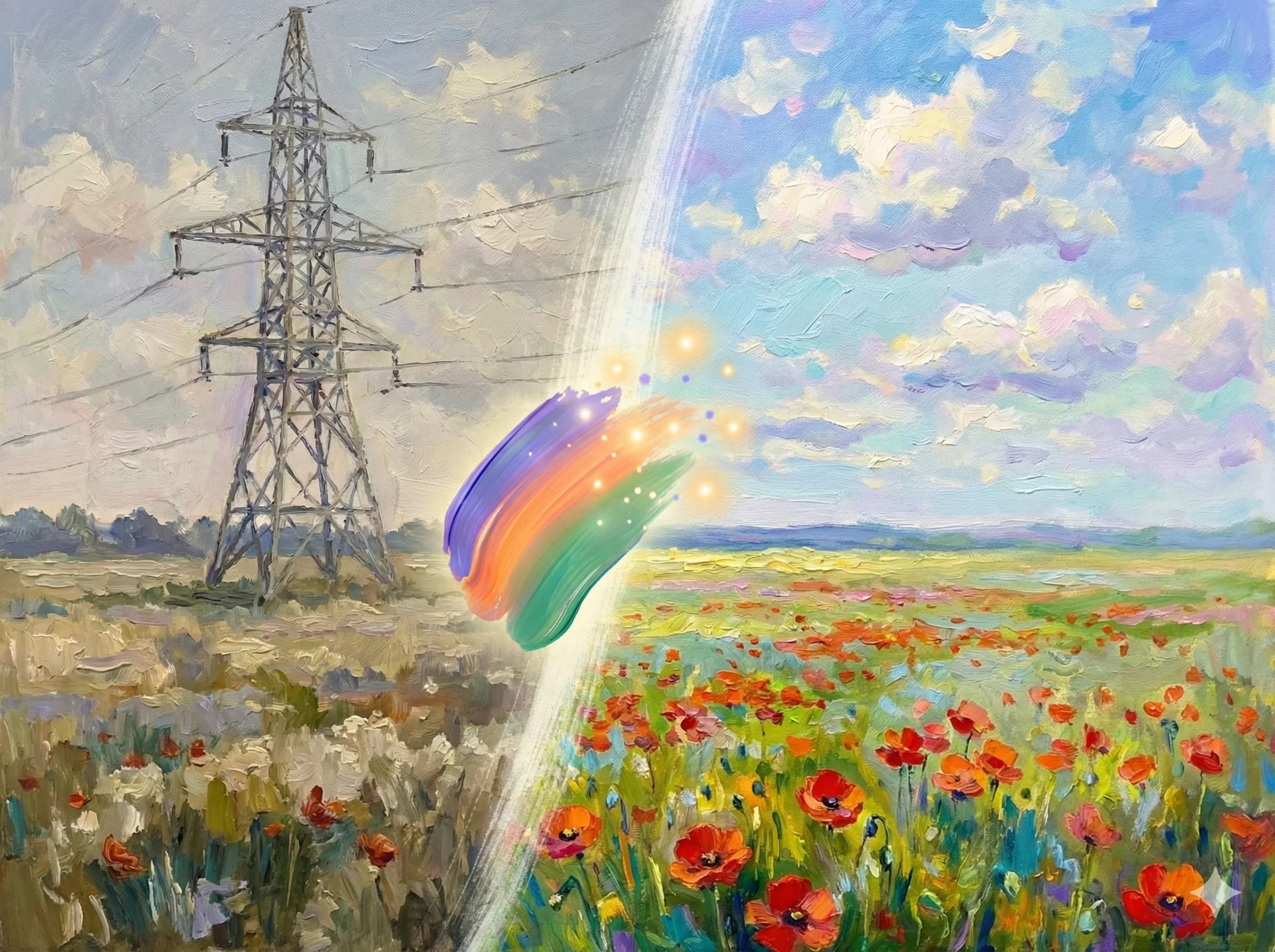
Select with Magic Brush
Intuitively paint over the object or area you want to edit. AI smartly segments the selection.
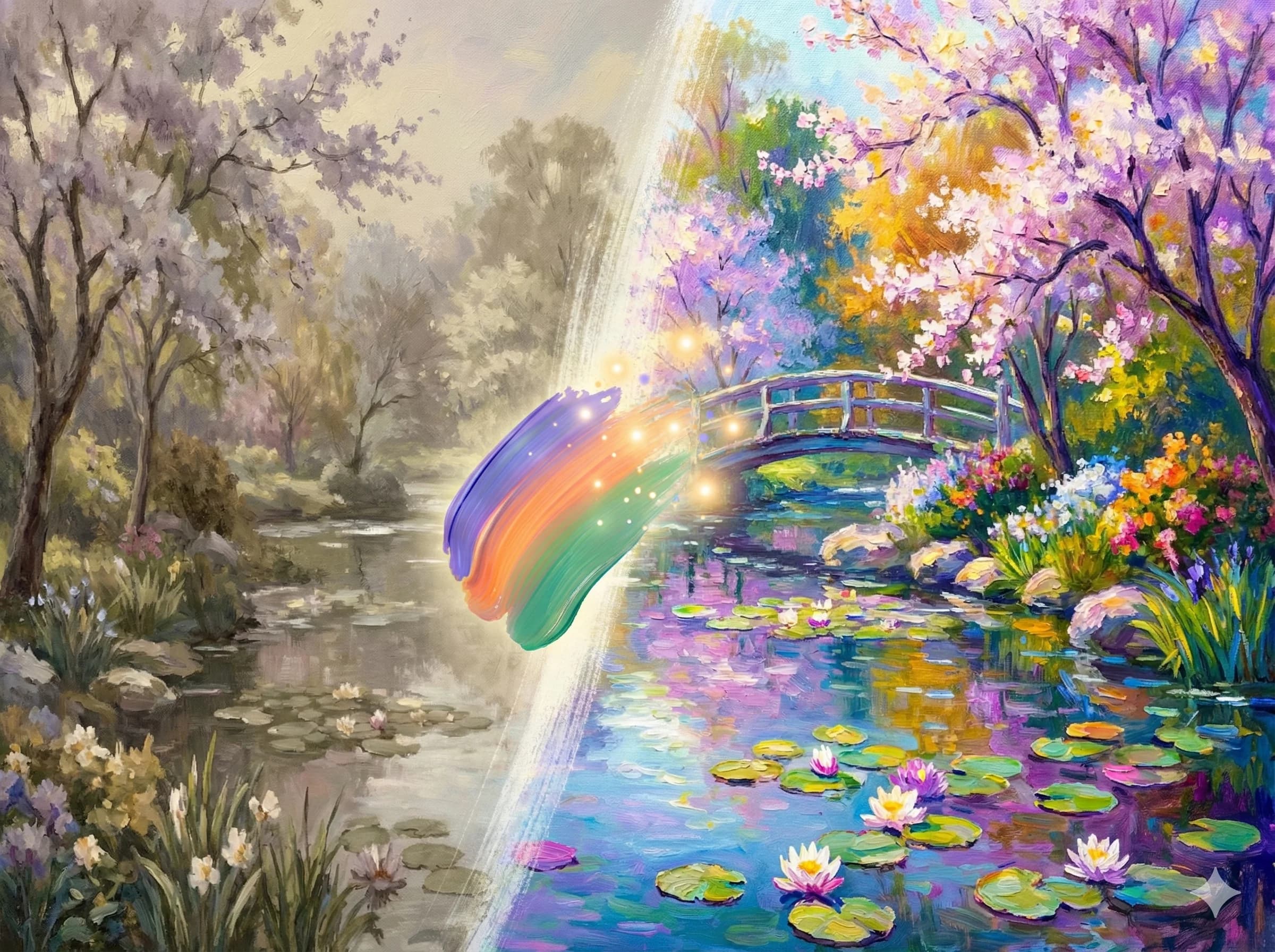
Define Intent
Choose from ready-made structured solutions or input your own plain language prompt.
AI Optimization
Our built-in AI assistant optimizes your instruction into machine-perfect language.
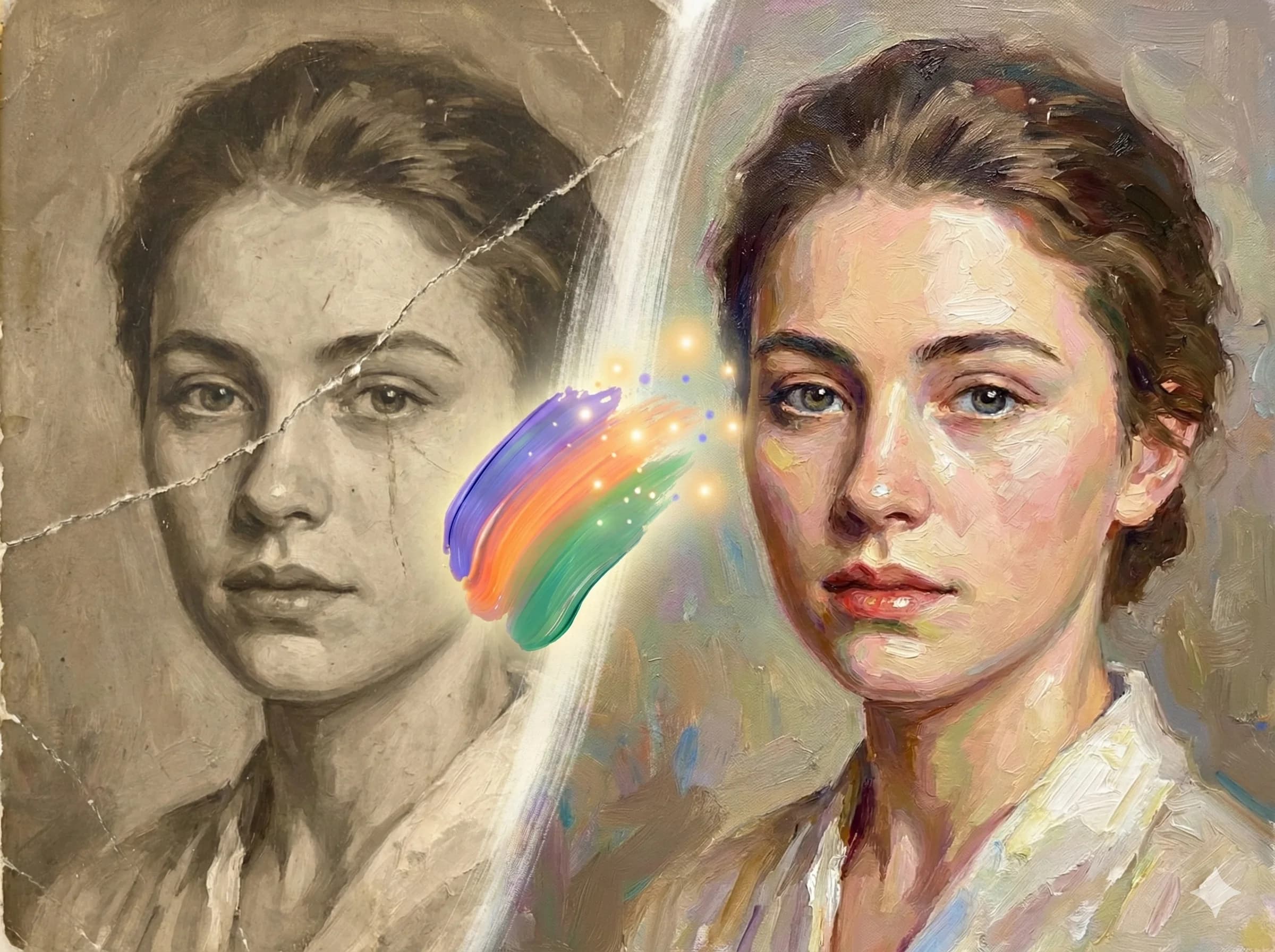
High-Res Delivery
Download photo-realistic, studio-quality results in customizable high resolutions.
Why Professionals Choose TapEdit.ai?
Built for creators who demand precision, speed, and commercial-grade results.

No Prompt Engineering Skills Needed
We bridge the gap between human intent and AI capability. Automatic prompt optimization.
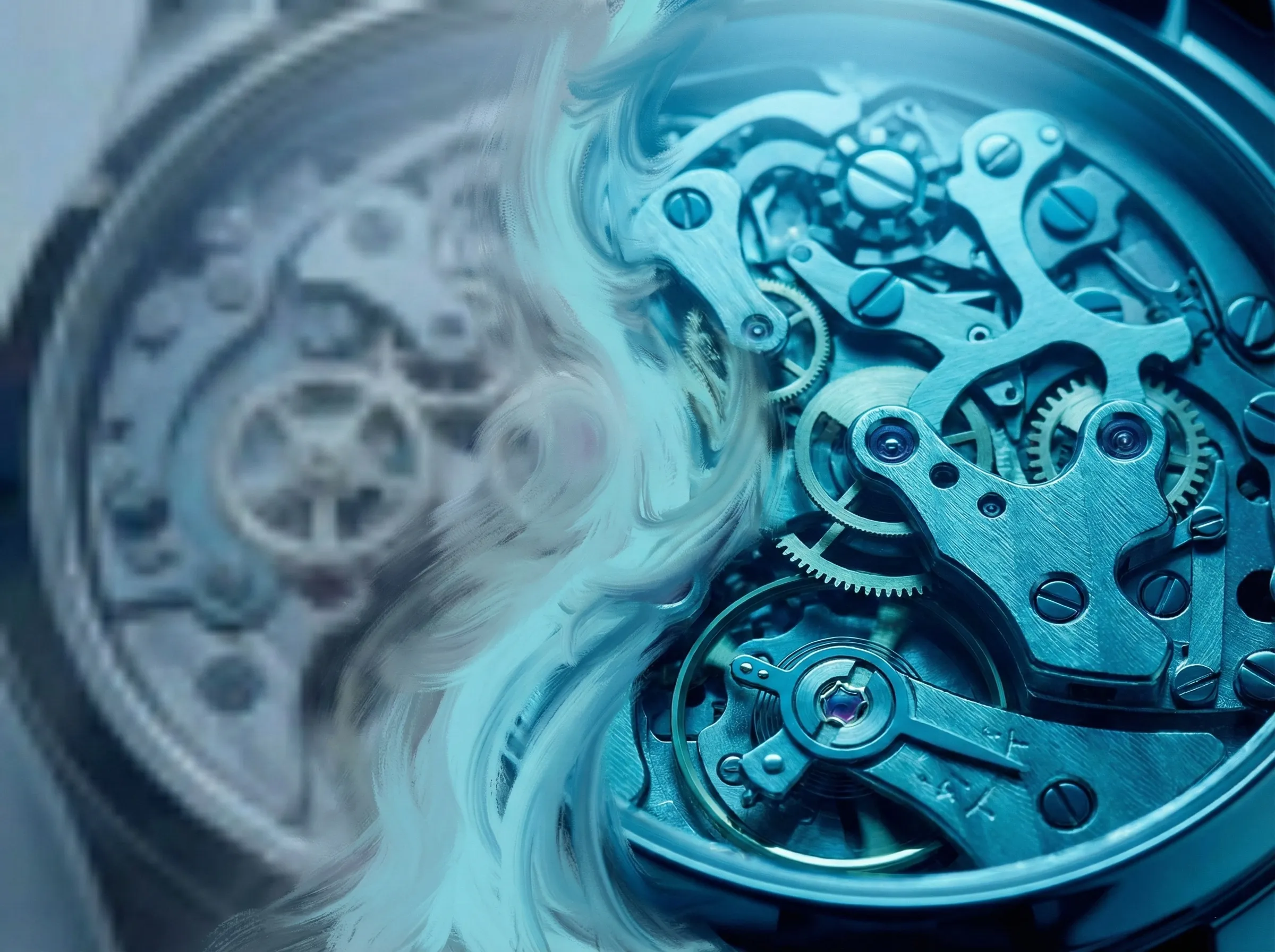
Photo-Realistic Quality First
We prioritize physical accuracy in lighting, texture, and perspective for commercial use.

Transparent Pricing & Free Basics
Basic editing tools are free to use. Pay-as-you-go for advanced generative features.
Trusted by Creators Worldwide
Join thousands of users who have transformed their editing workflow.
The hair-level precision of the background remover is insane. Saved me hours of Photoshop work.
Sarah Chen
Marketing Director
TapEdit transformed our amateur product shots into studio-quality assets overnight. Sales are up 40%.
David Park
Product Designer
As a content creator, I process dozens of images daily. The batch engine saves me at least 10 hours a week.
Emily Rodriguez
E-commerce Owner
The AI upscaler is the best I've used. Low-res phone photos literally look like DSLR shots after processing.
Michael Zhang
Content Creator
The hair-level precision of the background remover is insane. Saved me hours of Photoshop work.
Sarah Chen
Marketing Director
TapEdit transformed our amateur product shots into studio-quality assets overnight. Sales are up 40%.
David Park
Product Designer
As a content creator, I process dozens of images daily. The batch engine saves me at least 10 hours a week.
Emily Rodriguez
E-commerce Owner
The AI upscaler is the best I've used. Low-res phone photos literally look like DSLR shots after processing.
Michael Zhang
Content Creator
The hair-level precision of the background remover is insane. Saved me hours of Photoshop work.
Sarah Chen
Marketing Director
TapEdit transformed our amateur product shots into studio-quality assets overnight. Sales are up 40%.
David Park
Product Designer
As a content creator, I process dozens of images daily. The batch engine saves me at least 10 hours a week.
Emily Rodriguez
E-commerce Owner
The AI upscaler is the best I've used. Low-res phone photos literally look like DSLR shots after processing.
Michael Zhang
Content Creator
The hair-level precision of the background remover is insane. Saved me hours of Photoshop work.
Sarah Chen
Marketing Director
TapEdit transformed our amateur product shots into studio-quality assets overnight. Sales are up 40%.
David Park
Product Designer
As a content creator, I process dozens of images daily. The batch engine saves me at least 10 hours a week.
Emily Rodriguez
E-commerce Owner
The AI upscaler is the best I've used. Low-res phone photos literally look like DSLR shots after processing.
Michael Zhang
Content Creator
Finally a tool that delivers on its promises. The object removal is seamless and leaves no artifacts.
Lisa Anderson
Social Media Manager
I've tried Remove.bg and Canva, but TapEdit's generative fill is on another level for commercial work.
James Wilson
Digital Artist
The 'Magic Brush' is a game changer. I can relight and restyle products just by painting and typing.
Anna Kim
Entrepreneur
We integrated the API into our marketplace, and our sellers are wowed by the instant studio quality.
Tom Brown
Agency Owner
Finally a tool that delivers on its promises. The object removal is seamless and leaves no artifacts.
Lisa Anderson
Social Media Manager
I've tried Remove.bg and Canva, but TapEdit's generative fill is on another level for commercial work.
James Wilson
Digital Artist
The 'Magic Brush' is a game changer. I can relight and restyle products just by painting and typing.
Anna Kim
Entrepreneur
We integrated the API into our marketplace, and our sellers are wowed by the instant studio quality.
Tom Brown
Agency Owner
Finally a tool that delivers on its promises. The object removal is seamless and leaves no artifacts.
Lisa Anderson
Social Media Manager
I've tried Remove.bg and Canva, but TapEdit's generative fill is on another level for commercial work.
James Wilson
Digital Artist
The 'Magic Brush' is a game changer. I can relight and restyle products just by painting and typing.
Anna Kim
Entrepreneur
We integrated the API into our marketplace, and our sellers are wowed by the instant studio quality.
Tom Brown
Agency Owner
Finally a tool that delivers on its promises. The object removal is seamless and leaves no artifacts.
Lisa Anderson
Social Media Manager
I've tried Remove.bg and Canva, but TapEdit's generative fill is on another level for commercial work.
James Wilson
Digital Artist
The 'Magic Brush' is a game changer. I can relight and restyle products just by painting and typing.
Anna Kim
Entrepreneur
We integrated the API into our marketplace, and our sellers are wowed by the instant studio quality.
Tom Brown
Agency Owner
Frequently Asked Questions
Everything you need to know about TapEdit
No. TapEdit is designed for non-technical users. We offer one-click structured solutions for common tasks (like removing backgrounds or objects). For custom edits, simply describe what you want in plain language, and our built-in AI assistant will automatically optimize it into professional prompts.
Still have questions?
Contact SupportStart Creating Professional Visuals Today
Whether it's one selfie or five hundred product SKUs, TapEdit helps you finish faster and better.